


Application Description
This app simplifies connecting your Remote VCI to your workshop's Wi-Fi network. It guides you through a straightforward process: selecting your Wi-Fi network and entering its password. Once completed, your Remote VCI will automatically connect.
Ensure you have your Wi-Fi network login credentials readily available. The app's "Need Help" section offers further assistance should you encounter any connection problems.
For applications requiring a highly stable connection, such as complete control unit software flashing, we recommend a wired LAN connection instead of Wi-Fi.
What's New in Version 1.1.2
Last updated November 10, 2024
Introducing the OBD WiFi Connect app—your solution for effortlessly connecting and operating your Remote VCI.
OBD WiFi Connect Screenshots
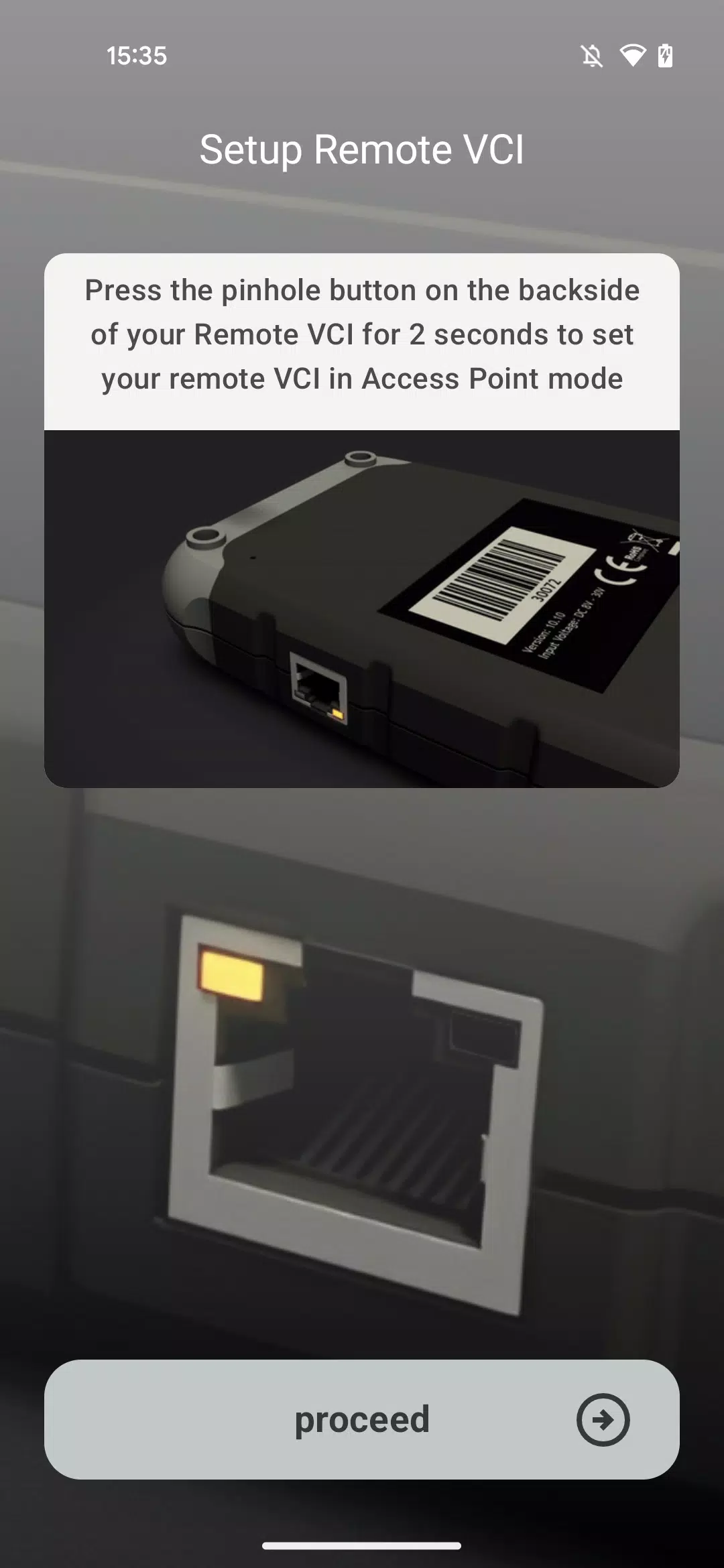
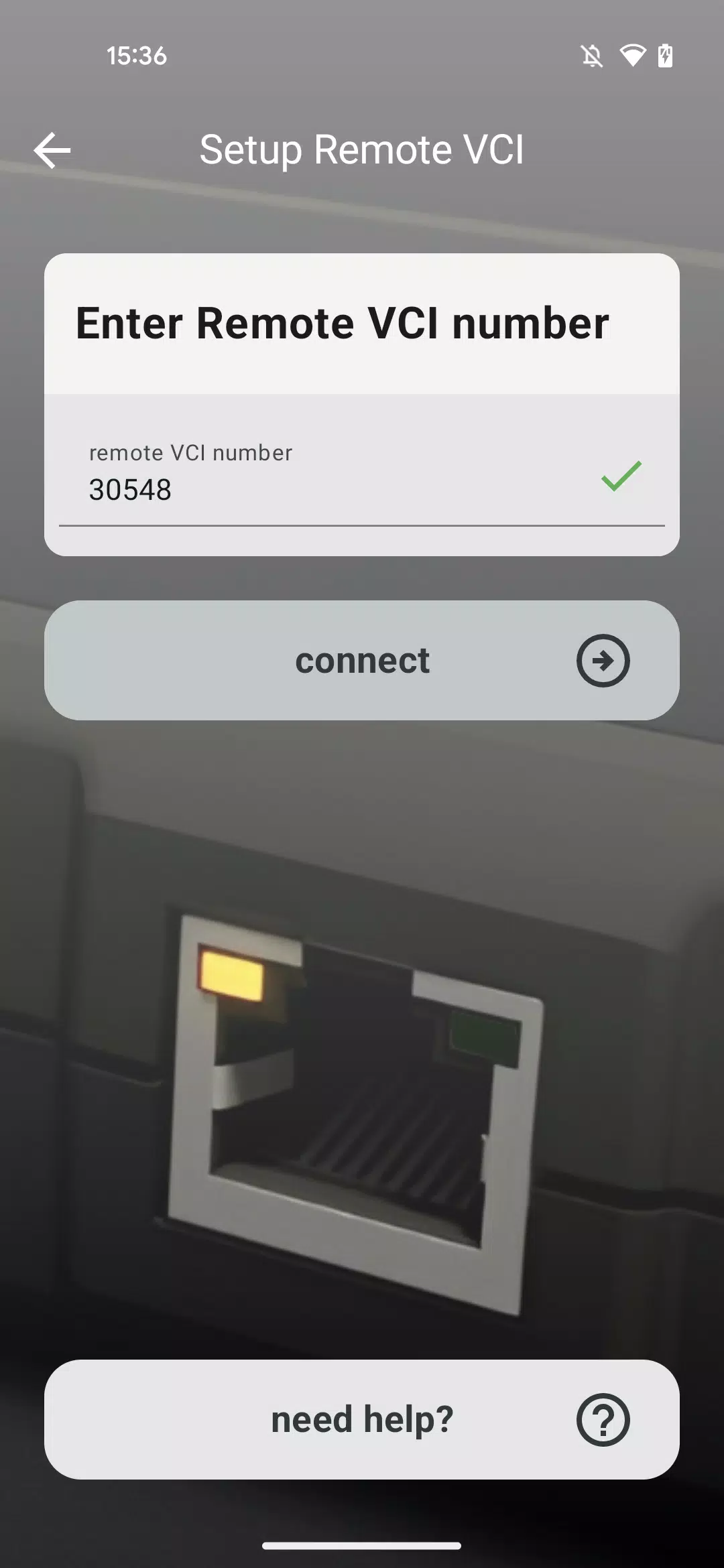
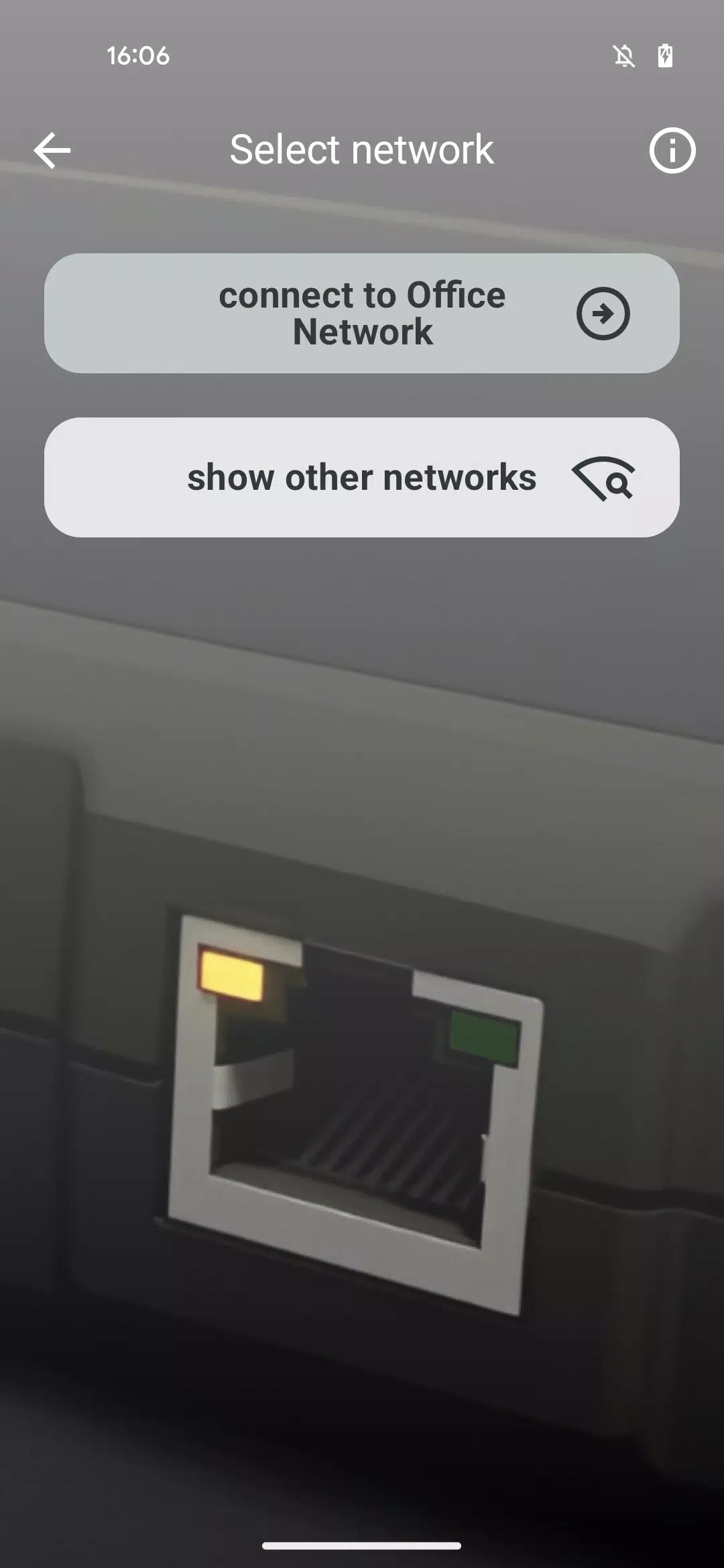
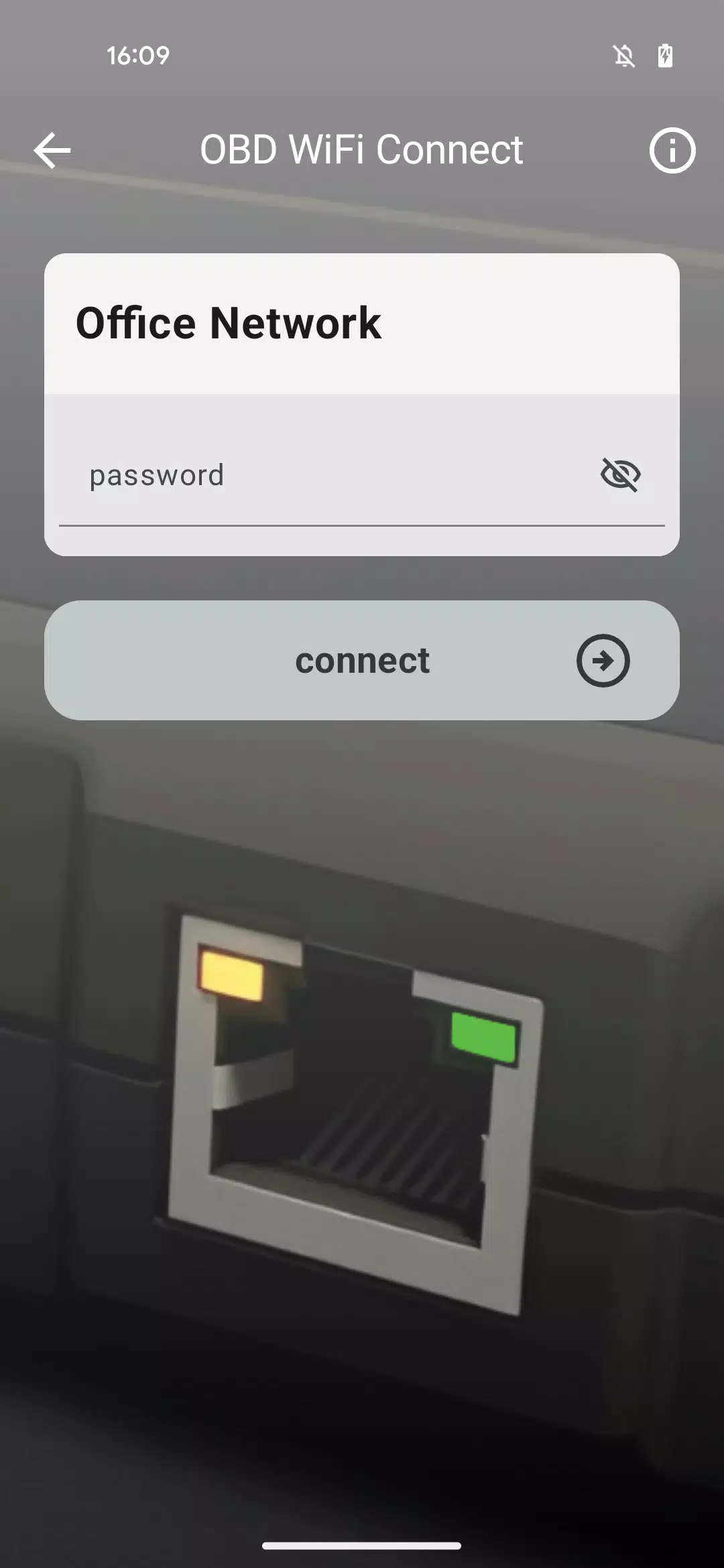
Reviews
Post Comments
Trending Games
Trending apps



![NULL [Remastered]](https://imgs.39man.com/uploads/71/1719651062667fcaf6c483b.png)








Topics
More
Explore the World of Casino Games
Personalize Your Android: Top Apps for Customization
Exciting Action Packed Games for Android
Unique Wallpaper Apps for Every Style
Top Productivity Apps to Streamline Your Workflow
Explore the World of Casino Adventure Games
Personalize Your Android Experience with These Apps
Best Apps for Following Current Events
Latest Articles
More


ETBs Return: Single Cards Offer Better Deals
Dec 12,2025
Star Wars Books Half Price at Amazon
Dec 11,2025
Nintendo Switch 2 preorders launch on Amazon UK
Dec 11,2025